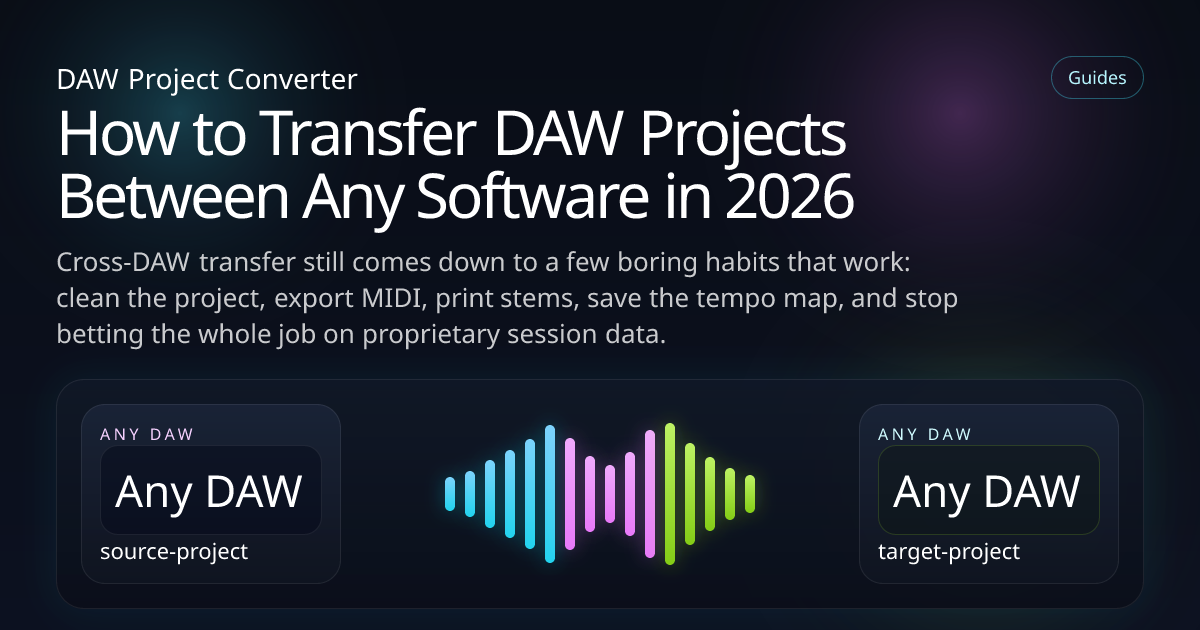
How to Transfer DAW Projects Between Any Software in 2026
Cross-DAW transfer still comes down to a few boring habits that work: clean the project, export MIDI, print stems, save the tempo map, and stop betting the whole job on proprietary session data.

After enough collaborations you stop arguing about which DAW is 'best'. The real question is simpler: how do I get this project into the other person's setup without breaking the song on the way?
Funny thing is, the best answer is not new. Clean session. MIDI export. Full-length stems. Tempo map. Markers. A reference bounce. It is not flashy, but it survives deadlines, missing plugins and other people's laptops.
What you'll learn
Universal assets
The files every DAW can understand or rebuild around
Prep once, suffer less
What to clean before any session leaves home
Know what not to trust
Routing, plugins and DAW-only behaviour need backup plans
Build a repeatable system
A transfer routine you can use on almost any project
Why producers still need a universal transfer workflow
Because collaboration has outgrown single-DAW purity. A beat starts in FL, vocals get cut in Logic, arrangement tweaks happen in Ableton, final edits go through Cubase, and suddenly everybody needs the same song in a slightly different language.
I have seen people lose entire afternoons trying to preserve the wrong things. Not the music. The wrong things. Fancy mix routing. Plugin wrappers. DAW-specific shortcuts. Keep the song safe first and you can always rebuild the technical flavour later.
What should always travel with a project?
If the next person receives these assets, the session is not stuck. That is the real benchmark.
- MIDI for melodic, harmonic and rhythmic parts that still need editing
- Full-length stems from bar one for sound-critical tracks
- Tempo map so the arrangement does not drift
- Markers and section names for navigation
- A rough stereo bounce for checking feel and balance
- Short notes about any weird routing, tuning or sidechain behaviour
If you are debating whether an extra stem is overkill, export it. Nobody has ever called me angry because I gave them too much context. The opposite happens all the time.
Step-by-step: transfer a project between any DAWs
Clean the source session
Delete junk, rename tracks and make sure the arrangement actually reflects the current version of the song.
Export MIDI from anything musical
Notes are one of the few things that move well across software, so keep them editable where possible.
Print full-length stems
Start at bar one, keep the sample rate consistent and do not make the receiver guess where a clip begins.
Rebuild only what deserves rebuilding
Check tempo and structure first, then instruments, then routing, then fine automation. In that order.
Universal transfer checklist: what works best?
FAQ
What is the safest universal format for projects?
There is not one perfect format. The safest bundle is usually MIDI, stems, tempo and clear notes.
Can I skip stems if I already have MIDI?
Only if you do not care about preserving the original sound. Most real sessions need both.
Should I export a stereo bounce too?
Yes. It is the fastest way to catch timing drift, missing layers or a rebuild that simply feels wrong.
Keep exploring
Need a transfer workflow that just works?
Use the converter as one layer of the handoff, then back it up with MIDI, stems and a proper reference bounce.