ALS to FLP Converter - Ableton to FL Studio Online
Ableton to FL Studio works fine when you split the job in two: keep the notes editable, keep the sound safe, and do the rebuild where FL is actually stronger.

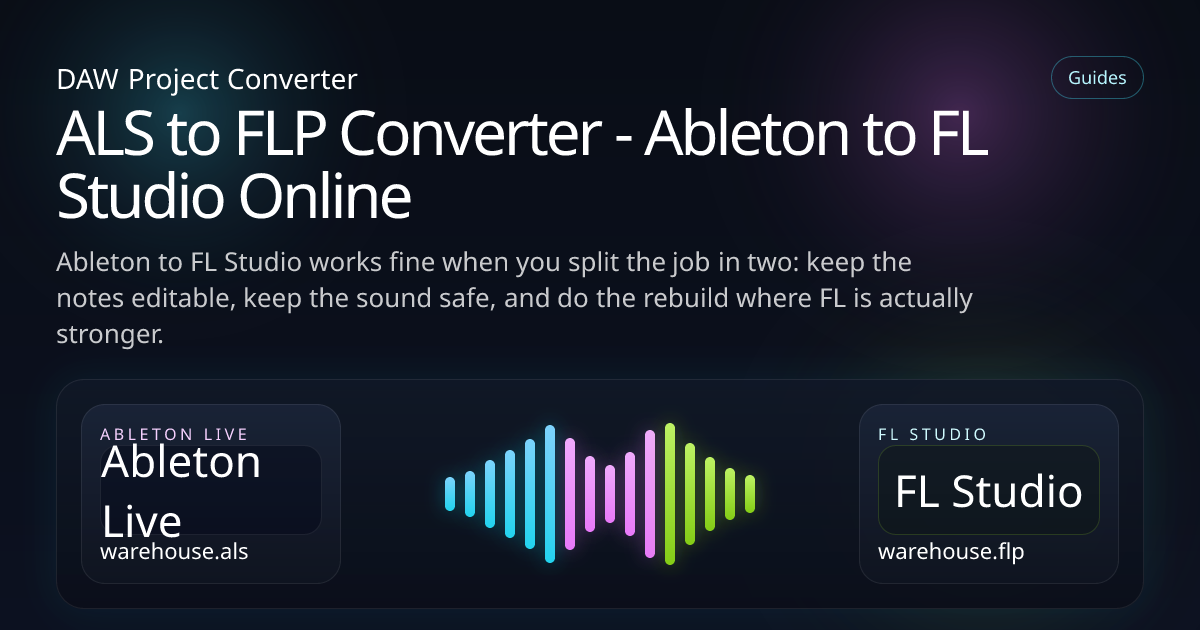
This one comes up all the time now. The idea starts in Ableton, then somebody wants to finish drums, arrangement edits or final tweaks in FL because that is just the faster room for that part of the job.
The pain points are predictable. Racks, returns and Max devices do not suddenly become FL-native because the file changed folders. So the smart approach is simple: move what FL can use, print what it cannot, and keep the session moving.
What you'll learn
What transfers
MIDI, stems and the broad arrangement
Prep the Live set
Flatten the parts FL Studio will never understand natively
Protect the sound
When to print racks, returns and weird Live-only chains
Keep it editable
Move the music without locking the next producer out
Why convert Ableton to FL Studio?
Because FL is still a great place to finish certain kinds of music. Drums feel quick there. Playlist editing is comfortable. A lot of producers can move faster in it once the main idea exists.
I have seen sessions where the Ableton draft was brilliant but the producer doing the final beat surgery lived entirely in FL. In that case, a clean ALS to FLP handoff is not a luxury. It is the only sane way to keep momentum.
What usually survives from ALS to FLP?
The more you separate composition from sound design, the better this handoff gets. It is not flashy advice. It is just true.
- MIDI clips for melodies, basslines and drum patterns
- Audio tracks rendered as stable stems
- Tempo structure and arrangement notes
- Track naming and section references
- Reference bounce for feel, groove and transitions
- Simple timing-based automation where it still makes sense
If the Live set leans on return tricks, macro moves or Max tools, render the important layers before you do anything else. You can still keep the MIDI open while protecting the part people actually fell in love with.
Step-by-step: ALS to FLP
Upload the Live set
Bring the ALS plus the samples, recordings and any rendered material the project depends on.
Choose FL Studio as target
That keeps the conversion focused on arrangement, note data and a channel-based rebuild.
Flatten the unstable bits
Racks, return-heavy processing and Max tools are much better as stems than as broken promises.
Open the FL project and tidy up
Use the imported structure as your working draft, then rebuild only the parts that genuinely need FL-native treatment.
ALS to FLP: the honest conversion map
FAQ
Do Ableton racks convert to FL Studio automatically?
Not in a way I would trust for real work. If the rack is important, print it and move on.
Can I keep MIDI editable in FL?
Yes, and that is one of the best reasons to do ALS to FLP in the first place.
Should I export stems from Ableton first?
For anything rack-heavy, return-heavy or Max-heavy, absolutely yes.
Keep exploring
Ableton session, FL finish?
Start with the arrangement, MIDI and stems. That is usually enough to get the next producer working straight away.